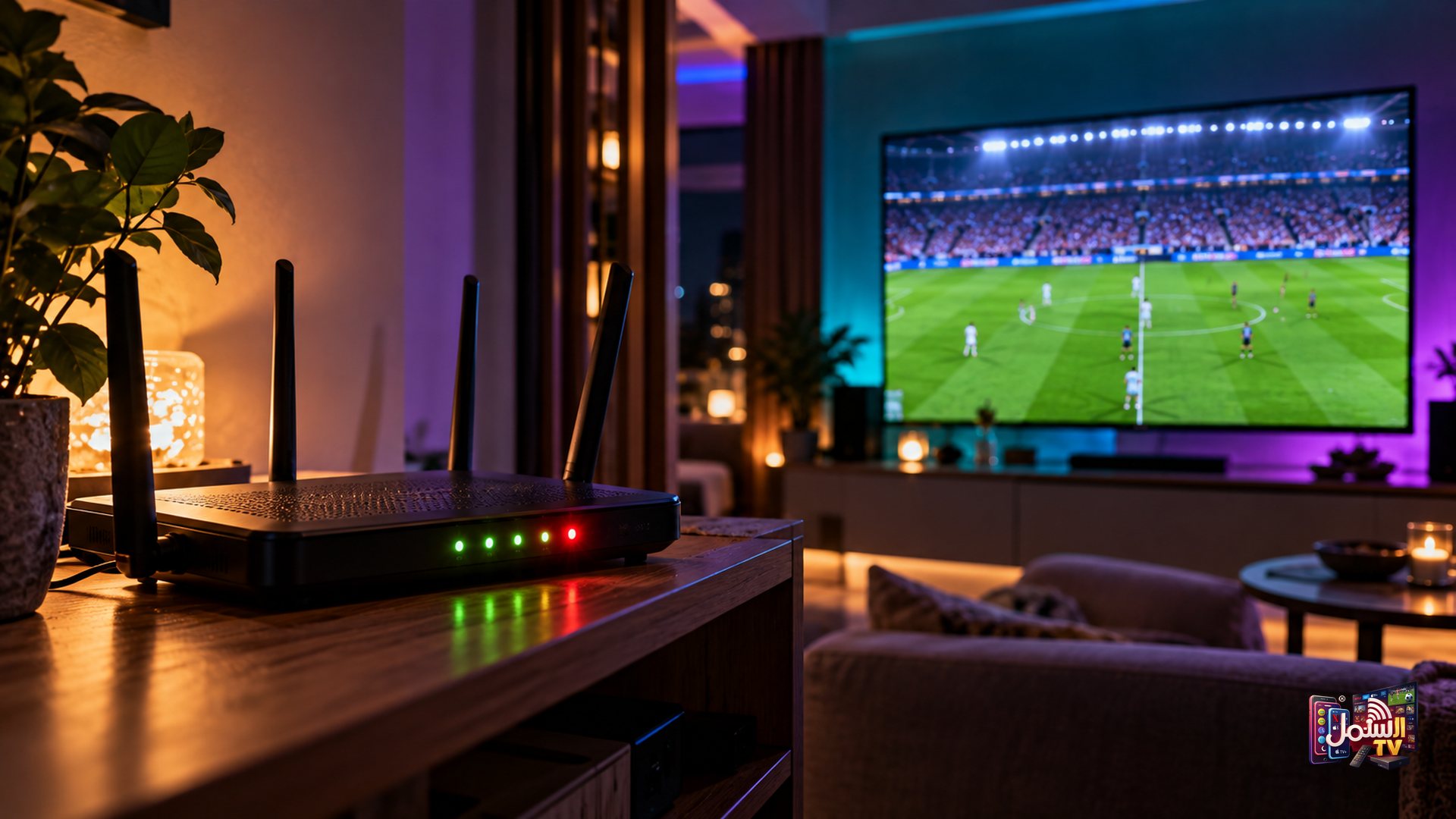
It is the moment you have been waiting for all week. The teams walk out, the whistle blows, and your stream freezes. Ten minutes earlier, everything was perfect. So what changed?
Very often, the answer is your internet provider, also called an ISP. When a huge number of people try to stream the same event at the same time, some providers slow down or block streaming traffic. The result is a picture that stops at exactly the wrong moment.
This article explains what ISP blocking and throttling are, why they hit hardest during big events, and the layers of protection Shamil TV uses to keep you watching.
What is an ISP, and what does it have to do with my TV?
Your ISP is the company that brings internet into your home. Every stream you watch, whether it is a film on a phone or a live match on the TV, passes through their network before it reaches you.
That gives your provider a lot of control. They decide how traffic is managed when their network gets busy. Most of the time you never notice. But during peak hours, especially when a big match starts, those decisions can directly affect your stream.
Throttling vs blocking: the difference
People use these words loosely, but they mean slightly different things:
| Throttling | Blocking | |
|---|---|---|
| What happens | Your provider slows down certain traffic | Your provider stops certain traffic from getting through |
| What you see | Buffering, lower quality, picture stutters | Stream will not load, black screen, or stops completely |
| When it happens | Often at peak times and busy evenings | Often during big live events |
| Rest of your internet | Usually works normally | Usually works normally |
That last row is the giveaway. If websites, messages and video calls all work fine but your stream freezes or will not start, the problem is probably not your Wi-Fi. It is more likely the way your provider is handling streaming traffic at that moment.
Why it always seems to happen at kick-off
It is not bad luck. Three things come together at the start of a big event:
- Everyone presses play at once. Huge numbers of viewers start streaming within the same few minutes, so networks hit their peak load.
- Providers manage the rush. To keep their network running, some ISPs slow down or block heavy streaming traffic.
- Servers get crowded. The busiest routes and servers can become congested, which adds to the delay.
The service that only has one route to your home is stuck when that route is slowed or blocked. That is why we built several layers instead of relying on just one.
How Shamil TV stays online: five layers
1. Matrix Technology smart routing
Matrix Technology routes each stream over the fastest available path for your location. If a route slows down, or a server becomes congested or blocked, playback switches to another route automatically. In most cases you will not even notice the switch.
2. IBO Player Pro
The app you watch on matters. IBO Player Pro, our recommended player, handles ISP blocks better than free players and gives a more stable picture overall. It is free with our 6-month and 1-year plans. Our guide to the best IPTV player apps compares the options.
3. Backup servers
We keep backup stream URLs ready. If your connection keeps having trouble, our team can move you to a different server within minutes, just by messaging us on WhatsApp.
4. Our own VPN
Shamil TV has its own VPN, included free with select longer plans. It adds privacy and helps keep streams steady where a provider is slowing or blocking them. Read do you need a VPN for IPTV to see when it is worth using.
5. A real team, 24/7
Our support team is on WhatsApp day and night, including during the big games. If something stops, you can reach a person, not a form.
What you can do before the big match
A little preparation makes a big difference. About 15 minutes before kick-off:
- Restart your TV or box and your router, so everything starts fresh.
- Connect the TV with an Ethernet cable if you can.
- Open the channel early and check it plays smoothly.
- Close other apps and pause big downloads on other devices at home.
- Keep our WhatsApp chat ready, so you can reach us quickly if needed.
A note on what a VPN is for
We recommend our VPN for privacy and to stop your provider slowing or blocking your streams. It is a tool for a stable, private connection. It is not something we offer for getting around any law, and you should always follow the rules where you live.
Test it on match day
The best way to judge stability is during a real live event. Start a 24-hour free trial before your next big game, then compare plans on our pricing page. Questions about the VPN or IBO Player Pro? Message our team on WhatsApp, any time.