"Can my whole family use one subscription?" is one of the questions we hear most. The answer depends on one simple thing: how many screens need to play at the same time.
This guide explains how device limits work, when one subscription is plenty, when you need more, and how our 2-Device and 3-Device plans fit in. It takes about five minutes to read and could save you from paying for screens you do not need.
How device limits actually work
The key idea is the difference between installed and playing.
- Installed: you can put the app on your living room TV, your phone, your iPad and your Firestick. There is no limit on installs.
- Playing: a standard subscription allows one device to stream at a time. This is called one connection.
So one subscription is perfect if you watch on the TV in the evening and on your phone on the train in the morning. It does not cover two people watching different things in different rooms at the same moment.
When one device is enough
A single subscription suits you well if:
- You live alone or as a couple who mostly watch together.
- The household has one main TV and other screens are only used now and then, never at the same time.
- You want to test the service first. You can always add screens later.
Every single subscription includes the full catalogue: 50,000+ live channels, 162,000+ movies and 42,000+ series, in 4K Plus and 8K.
When you need two or three screens
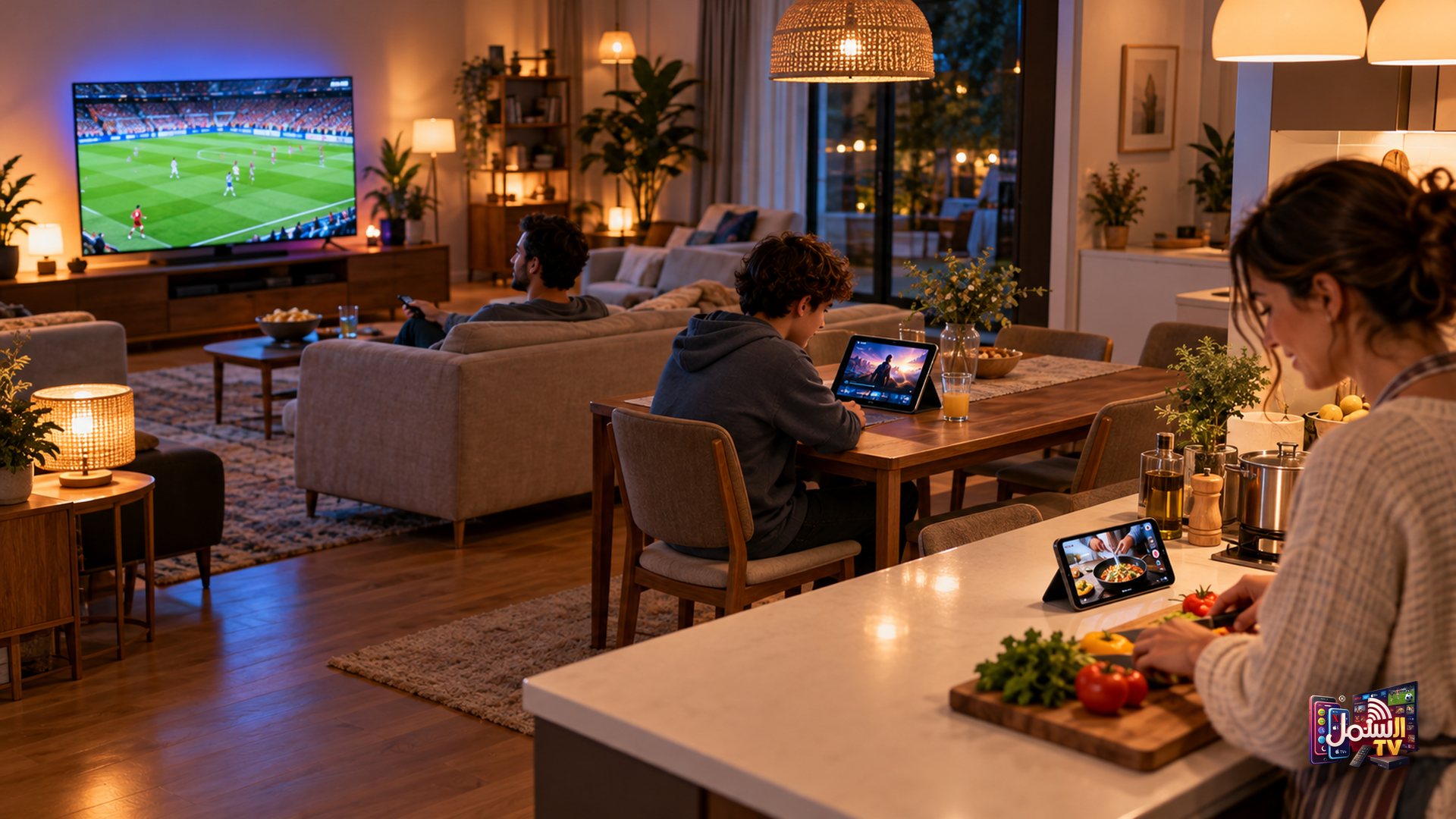
Think about a typical evening in your home. You probably need more than one connection if:
- The kids watch cartoons upstairs while adults watch the news or a match downstairs.
- Different generations want different content at the same time, for example Arabic or South Asian channels in one room and English sport in another.
- Someone regularly watches on a phone or tablet while the main TV is in use.
A useful rule: count the most screens that are ever playing at the same moment on a normal day. That number is how many connections you need.
International customers: 2-Device and Family Pack plans
For international customers (USA, Canada, Australia, UK, Europe and more), we offer 2-Device and 3-Device plans. They work exactly like the standard plan, with the same channels, movies, series and 4K and 8K quality, but allow two or three screens to stream at once.
The advantage is price: the cost per device is lower than buying separate single subscriptions. If your household regularly uses two or three screens together, a multi-device plan is usually the better deal. Current prices are on our pricing page.
| Plan | Screens playing at once | Best for |
|---|---|---|
| 1 Device | 1 | Singles, couples, one main TV |
| 2 Devices (USA) | 2 | Two TVs, or a TV plus a regular tablet viewer |
| 3 Devices (USA) | 3 | Larger families with several rooms |
Gulf customers: one subscription per screen
For customers in the Gulf, including the UAE, Oman, Qatar and Saudi Arabia, each extra screen is its own subscription. If you want the living room TV and a bedroom TV to play at the same time, you take two subscriptions.
Each one is a full subscription with the complete catalogue, and each can have its own custom playlist. That works well for families: Arabic news and Turkish dramas on one, cartoons and a kids-safe list on another. Ask our team on WhatsApp about adding screens and they will explain the options.
Other countries
If you live in Canada, the UK, Europe or anywhere else, every subscription still streams on one device at a time. For more than one screen, message our team on WhatsApp and we will tell you the options for your country.
Make sure your internet can handle it
More screens means more data flowing through your connection at the same time. As a rough guide for each stream: at least 10 Mbps for normal viewing, about 25 Mbps for 4K and 50 Mbps or more for 8K. Three 4K streams together need a lot more than one.
Here is a simple way to estimate it. Imagine a family watching a 4K match in the living room while the kids watch cartoons in HD upstairs. Add the two streams together, then leave some room for phones, laptops and game consoles that are also online. If the total comes close to the speed you actually measure at home, set the second screen to HD or Auto quality, which uses less of your connection. It is a small change that keeps both pictures smooth.
If one room keeps buffering while another plays fine, the problem is usually the WiFi signal in that room rather than your plan.
If you are planning several screens, read our IPTV internet speed guide, and consider wiring the main TV with a cable, as explained in WiFi vs Ethernet for IPTV.
Not sure how many screens you need?
Tell us on WhatsApp how your family watches and we will recommend the right setup. You can also start with a free 24-hour trial on your main TV, then compare one, two and three-device options on our pricing page.