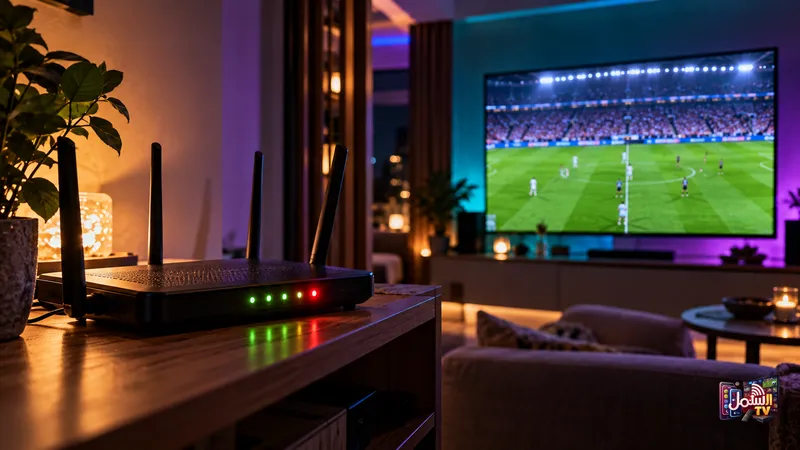
There is nothing worse than the picture freezing just as the striker lines up a shot. Live sport is the toughest test for any streaming service: everyone is watching at the same moment, and every second counts.
The good news is that most match-day problems can be prevented with a few minutes of preparation. This guide covers the speed you really need for 4K, a simple pre-match checklist, and what to do if something goes wrong mid-game.
It applies to football, but the same steps work for cricket, F1, UFC, boxing and basketball, all of which are part of our sports coverage in 4K and 8K.
Why live sport is harder to stream than a film
When you watch a movie, the app can load a few minutes ahead and hide small hiccups in your connection. Live sport cannot work that way, because it is happening right now. There is very little buffer to fall back on.
On top of that, big matches bring two extra pressures:
- Busy networks. A huge number of people go online at the same moment, and home connections often slow down in the evening and at weekends.
- ISP interference. Some internet providers throttle or block streams, and they tend to do it most during major events. Our article on ISP blocking explains how this works.
This is exactly what our Matrix Technology is built for. Each stream is routed over the fastest available path for your location, and if a route slows down or a server becomes congested or blocked, playback switches to another route automatically. Freezing and buffering are greatly reduced as a result.
How much speed you need
| Quality | Recommended speed |
|---|---|
| Normal viewing (SD/HD) | 10 Mbps minimum |
| 4K | 25 Mbps |
| 8K | 50 Mbps or more |
Remember that these are the speeds reaching your TV, not the number on your internet bill. If others in the house are gaming, downloading or on video calls during the match, they share the same connection. Our internet speed guide shows how to test what you actually get.
Your pre-match checklist
Do this 15 to 20 minutes before kick-off, not during the first half:
- Restart your router and your TV or box. Better still, unplug both from the power, wait one to two minutes, and plug them back in. This clears memory and cache.
- Plug in an Ethernet cable if you can. A wired connection is far steadier than WiFi. WiFi signal drops through walls and competes with every other device in the house, while a cable does not.
- Close other apps on the TV or box so the player has all the memory it needs.
- Open the channel early and let it run. If something is wrong, you have time to fix it.
- Pause big downloads and game updates on other devices in the house.
- Check the TV guide on our EPG page or in your player to confirm which channel is showing the match.
Use the right player
For sport, the player matters. IBO Player Pro is our recommended player because it handles ISP blocking better than free players, and that matters most on big match days. It is included free with our 6-month and 1-year plans.
If you use a free player and notice stuttering, one quick setting to try is the stream format. In the app settings, switch between TS and HLS. On some connections one works noticeably better than the other.
When your ISP is the problem
If streams play perfectly on a quiet afternoon but struggle every time there is a big game, your internet provider may be slowing them down. Two things help:
- A VPN. It keeps your traffic private, which stops the ISP from singling out your stream to throttle it. Shamil TV has its own VPN, included free with select longer plans. Ask our team on WhatsApp which plans include it.
- A different server. Our team can move you to a backup server within minutes on WhatsApp.
For a fuller explanation, read do you need a VPN for IPTV.
If something goes wrong mid-match
Stay calm and work through these in order:
- Try another channel. If other channels play fine, the problem is that one channel.
- If only one channel is down, the broadcast source may have a temporary issue. Try again in 10 to 15 minutes, or look for the same match on another channel.
- If everything is buffering, restart the app, then the router.
- Message us on WhatsApp. Our support runs 24/7, including weekends and late kick-offs. We can switch you to a closer server.
Make match day easier with a sports playlist
With 50,000+ live channels, finding the game can take a while. After activation you can ask us for a custom playlist, for example football, cricket and UFC only. Add your regular channels to Favourites as well, and on match day you are one click from kick-off.
Test it before the next big game
Start a free 24-hour trial a day or two before a match and see the 4K picture for yourself. No credit card needed. When you are ready, choose a plan on our pricing page, and our team is on WhatsApp 24/7 if anything needs fixing.