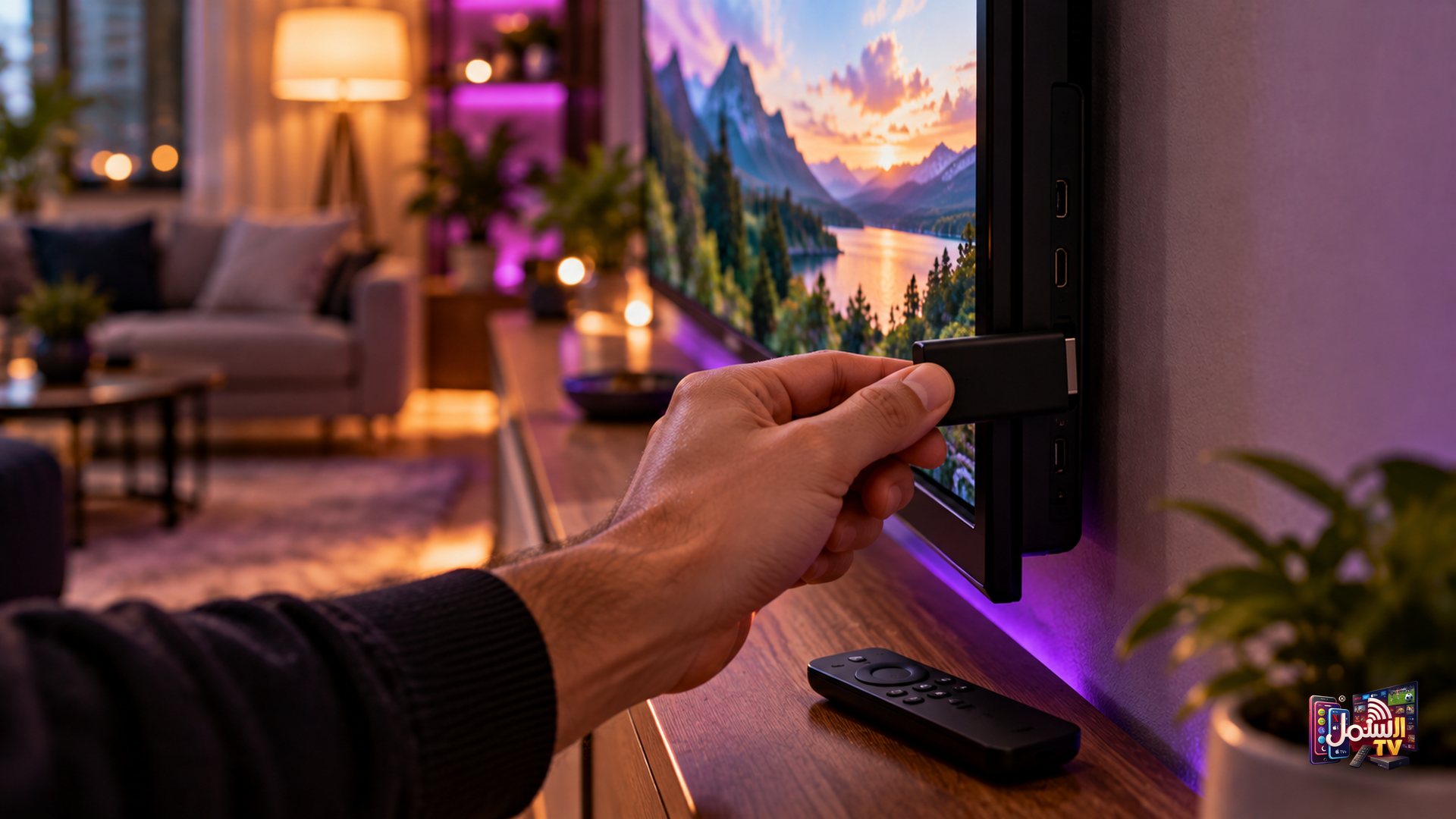
The Amazon Firestick is one of the easiest ways to turn any TV with an HDMI port into a full IPTV setup. It is small, affordable and plugs straight into the back of the TV.
Setting up Shamil TV on a Firestick takes about ten minutes. You change one setting, install two apps, and send us a screenshot. Our team does the rest. This guide walks you through every step in plain language, so anyone in the family can follow along.
Before you start
Have these ready and the setup will go smoothly:
- Your Firestick plugged into the TV and connected to the internet.
- The Firestick remote.
- Your phone, with WhatsApp, to message our team and send a screenshot or photo.
- An active Shamil TV subscription or a free trial.
Step 1: Allow apps from unknown sources
Our recommended player is not installed from the Amazon Appstore, so the Firestick needs your permission to install it. This is a normal setting for this kind of app.
- From the Firestick home screen, open Settings (the gear icon).
- Choose My Fire TV.
- Open Developer Options.
- Turn on Apps from Unknown Sources. If you see a list of apps instead, turn it on for Downloader once you have installed it in the next step.
Menus can look slightly different on different Fire TV models. If you cannot find the option, send us a photo of your Settings screen on WhatsApp and we will point you to it.
Step 2: Install the Downloader app
Downloader is a free app from the Amazon Appstore. It lets you download our recommended player onto the Firestick.
- Go back to the Firestick home screen and select Search (the magnifying glass).
- Type Downloader. Choose the one by AFTVnews.
- Select Download or Get, and wait for it to install.
Now message our team on WhatsApp and let us know you are installing on a Firestick. We will send you the short code you need for the next step.
Step 3: Download and install IBO Player Pro
- Open the Downloader app.
- In the search bar, enter the short code our team sent you, then select Go.
- The IBO Player Pro download starts automatically. Do not close Downloader while it is downloading.
- When asked, select Install, and wait for it to finish.
IBO Player Pro is our recommended player because it handles ISP blocks better than free players and gives a steadier picture. It is free with our 6-month and 1-year plans. You can compare it with other options in our guide to the best IPTV player apps.
Step 4: Send us your MAC address
- Open IBO Player Pro.
- On the first screen you will see your MAC Address. Some versions call it Device ID, and you may also see a Device Key. It looks like six pairs of letters and numbers separated by colons.
- Take a clear photo of the whole screen with your phone.
- Send it to us on WhatsApp.
That is all we need. Our team activates your player from there. If the screen shows both a Device ID and a Device Key, just send the whole screen and we will pick out what we need.
Step 5: Restart and start watching
Once we confirm activation, close IBO Player Pro and open it again. Your channels, films and series load automatically. Activation is usually done within 15 to 30 minutes during business hours.
From here, you can browse live channels, open the TV guide, and explore the film and series library. Our TV guide page shows what is on.
Two things many new customers like to know. First, you can ask our team for a custom playlist after activation, for example only Arabic news and Turkish dramas, or only cricket and football, so the channel list is shorter and easier to browse with a remote. Second, the adult section is hidden and locked with a passcode by default, so the Firestick is family-safe from the start. Adult customers who want access can ask our team for the passcode privately.
Prefer a different player?
If you would rather use another app, TiviMate also works on Firestick. With a free or alternative player, we send you a server URL, username and password instead of activating by MAC address. Copy and paste them exactly, with no extra spaces, and make sure the server URL starts with http://.
Getting the best picture on Firestick
- Restart now and then. Unplug the Firestick for one to two minutes to clear its memory.
- Keep apps tidy. Uninstall apps you do not use so the player has room to run.
- Mind the Wi-Fi. Many Firestick models rely on Wi-Fi, so keep the router close. Our guide on Wi-Fi vs Ethernet has more ideas.
- Check your speed. A minimum of 10 Mbps is needed, and 25 Mbps is recommended for 4K.
Ready to set up your Firestick?
Start a 24-hour free trial with no credit card, or compare plans on our pricing page. Stuck on any step? Message our team on WhatsApp and we will walk you through it, any time of day.